
Losing a nearly finished essay because your laptop died or you forgot to transfer the file is one of the most frustrating experiences in a student's academic life. It happens more than you'd think, and it costs real time, real grades, and real peace of mind. Cloud services like Google Drive and syncing apps have made it easier than ever to protect your work and access it from any device. But most students still rely on a single device or one local folder, leaving their assignments one bad Wi-Fi session away from disaster. This guide breaks down exactly how saving and syncing can change your academic game.
Table of Contents
- What does it mean to save and sync homework?
- Core benefits: organization, access, and improved results
- How saving and syncing transforms your study habits
- Common pitfalls and how to avoid them
- Why saving and syncing homework is a true academic equalizer
- Take homework organization to the next level
- Frequently asked questions
Key Takeaways
| Point | Details |
|---|---|
| Never lose homework again | Syncing across devices protects your work and prevents last-minute disasters. |
| Boost your grades | Students who organize and sync see higher assignment scores and less stress. |
| Study anywhere, anytime | Cloud syncing lets you use every spare moment, no matter what device is with you. |
| Avoid common tech pitfalls | Simple habits and regular checks ensure syncing works and you stay on track. |
What does it mean to save and sync homework?
Before you can use these tools well, you need to understand what they actually do. "Saving" and "syncing" sound similar, but they serve different purposes in your workflow.
Saving means storing a copy of your work at a specific moment in time. When you hit Ctrl+S on a Word document, you're saving. The file sits on your device or in a folder until you open it again. That's it. If your device breaks, the file is gone.
Syncing goes further. It means your saved file is automatically updated across every device connected to your account. Edit an essay on your laptop at home, and when you pull out your phone on the bus, the latest version is already there. No emailing files to yourself. No USB drives. Just seamless, automatic updates.
Platforms like Google Drive and Microsoft OneDrive are built around this idea. They act as a central hub, or "cloud," where your files live. Every device with your account signed in pulls from that same hub. Cloud services prevent loss of work and make sure you always have access to the most current version of your assignments.
Here's a quick comparison to make this concrete:
| Feature | Saving only | Saving and syncing |
|---|---|---|
| Protects work from device failure | Partially | Yes |
| Access from multiple devices | No | Yes |
| Auto-updates across devices | No | Yes |
| Supports group collaboration | No | Yes |
| Works offline (with setup) | Yes | Yes (with offline mode) |
For your day-to-day workflow, a few habits make syncing much more reliable:
- Use one account across all your devices so files always go to the same place
- Create a clear folder structure (example: School > English > Essays > Fall 2026)
- Name files consistently (example: Essay_Draft1_Oct2026) so you can find them fast
- Enable auto-save in Google Docs or Word Online so syncing happens in real time
Think of your cloud storage as your academic home base. Everything starts and ends there, no matter which device you're using that day.
Core benefits: organization, access, and improved results
Understanding the difference between saving and syncing makes it easier to see the many benefits these habits can bring.
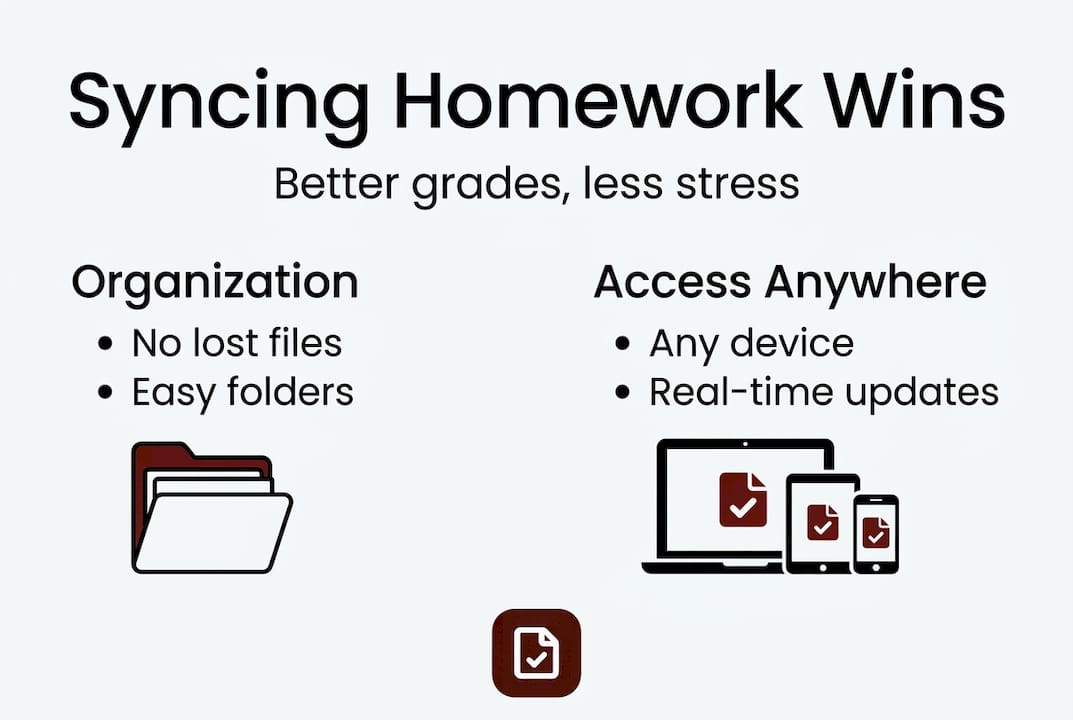
The most immediate payoff is organization. Instead of hunting through downloads folders or digging through old email attachments, everything lives in one searchable place. Study apps improve organization and reduce procrastination through reminders, to-do lists, and visual tracking that keep assignments from slipping through the cracks.
Less obvious but just as powerful is the stress reduction. When you know your work is safe and accessible, you stop worrying about it. That mental space adds up.
Here's what the research actually says:
A meta-analysis of 26 studies found that e-homework systems produced a Hedges' g effect size of 0.309, meaning students using digital homework tools showed measurably better academic outcomes than those who did not.
That's not a small number. An effect size of 0.309 is considered meaningful in educational research. It suggests that simply switching to a digital, synced workflow can move the needle on your grades, especially on assignments.
Here are the top benefits students report when they start saving and syncing consistently:
- Never lose work again because files are backed up automatically
- Access assignments from any device, whether it's a school Chromebook, your phone, or a family tablet
- Collaborate in real time on group projects without sending files back and forth
- Use reminders and deadlines built into platforms like Google Classroom or OneNote
- Search for old assignments in seconds instead of scrolling through folders
Pro Tip: Set up a shared folder with your study group in Google Drive. Everyone can add notes, resources, and drafts in real time, and you'll always have the latest version without a single email.
Flexible access is another underrated win. You can review notes on your phone during lunch, add a paragraph on a tablet during a free period, and finish the essay on your laptop at night. The work follows you, not the other way around.
How saving and syncing transforms your study habits
Now that the benefits are clear, here's how syncing and saving revolutionize your daily routine, often in ways you may not expect.
The biggest shift is that your study time becomes device-independent. You're no longer locked to one spot or one machine. Syncing preserves progress and uses small time pockets for study continuity, which is a game-changer for busy students juggling classes, sports, and jobs.
Consider this real-world scenario: You start a history outline on your school laptop during study hall. On the bus home, you add three more points using your phone. After dinner, you open your laptop and the outline is already updated with everything you added. That's 20 extra minutes of productive work you would have lost otherwise.

Here's how different sync scenarios play out across a typical student week:
| Situation | Without syncing | With syncing |
|---|---|---|
| Bus ride home | Wasted time | Review or add to notes |
| Laptop battery dies | Lose unsaved work | Auto-saved to cloud |
| Group project edits | Email chains, version confusion | Real-time shared doc |
| Forgot your laptop | Can't access files | Open on any device |
For group projects specifically, syncing is a total workflow upgrade. Instead of one person holding the "master copy" and everyone emailing edits, a shared Google Doc or OneDrive folder lets the whole team work simultaneously. You can see edits as they happen and leave comments without a single meeting.
Here are four workflow habits that make syncing even more effective:
- Do a daily sync check each morning: open your cloud folder and confirm everything updated overnight
- Treat your cloud folder as your single source of truth, never save final versions only to your desktop
- Enable offline access in Google Drive or OneDrive so you can work without Wi-Fi and sync when you reconnect
- Use version history to roll back to earlier drafts if you accidentally delete something important
Pro Tip: Before any big assignment is due, manually open the file on a second device to confirm the latest version is there. It takes 10 seconds and can save you from a last-minute panic.
Common pitfalls and how to avoid them
Of course, no system is flawless. Here's what can go wrong with saving and syncing, and how you can reliably avoid these mistakes.
The most common problem is account mismatch. You save a file while logged into your school Google account, then try to open it at home on your personal account. The file isn't there. Sync issues from account mismatch and offline conflicts are among the top reasons students lose access to their work, and the fix is simple: always use the same account on every device.
Other frequent pitfalls include:
- Forgetting to enable sync on a new device after logging in
- Working offline without offline mode enabled, which means changes don't save to the cloud
- Saving files to local storage by accident instead of the cloud folder
- Ignoring sync error notifications, which often signal a conflict between two versions of the same file
Here's a harder truth that most articles skip over:
The biggest threat to your sync system isn't a technical glitch. It's picking up your phone to check your notes and ending up on social media for 40 minutes.
Entertainment use increases distraction and conflict, while academic-focused device use boosts learning and behavior. The technology isn't the problem. How you use it is.
To stay on track, try these fixes:
- Set your phone to "Focus" or "Do Not Disturb" mode during study sessions
- Use app timers to limit social media during homework hours
- Keep your cloud folder as your browser homepage so you open it first
- Review your sync status every time you switch devices, not just when something goes wrong
Good habits beat good tools every time. A perfectly configured Google Drive account won't help you if you never actually open it to do the work.
Why saving and syncing homework is a true academic equalizer
After reviewing both the benefits and the pitfalls, let's take a step back and look at the bigger picture.
Here's something most productivity articles won't say out loud: having access to sync tools doesn't automatically help you. Every student with a Gmail account has Google Drive. Most of them still lose work, miss deadlines, and feel overwhelmed. The difference isn't the tool. It's the intention behind how you use it.
Students who treat their cloud storage as a serious academic system, not just a backup drive, consistently outperform those who don't. Broadband access paired with proper training raises academic outcomes, but casual device use for entertainment actually widens the performance gap between students.
That's the uncomfortable truth. The same phone that could help you review flashcards on the bus is also the thing most likely to derail your study session. Intentional, academic-focused use of sync tools is what separates students who benefit from technology and students who are just distracted by it. Consistent saving and syncing, practiced as a real habit, narrows the gap between high and low performers more than any single app ever could.
Take homework organization to the next level
Ready to turn powerful study habits into real results? Here's a simple way to get started.
Once you have a solid saving and syncing routine in place, the next step is making your actual assignments better and faster to complete. That's where AI-powered writing tools come in.
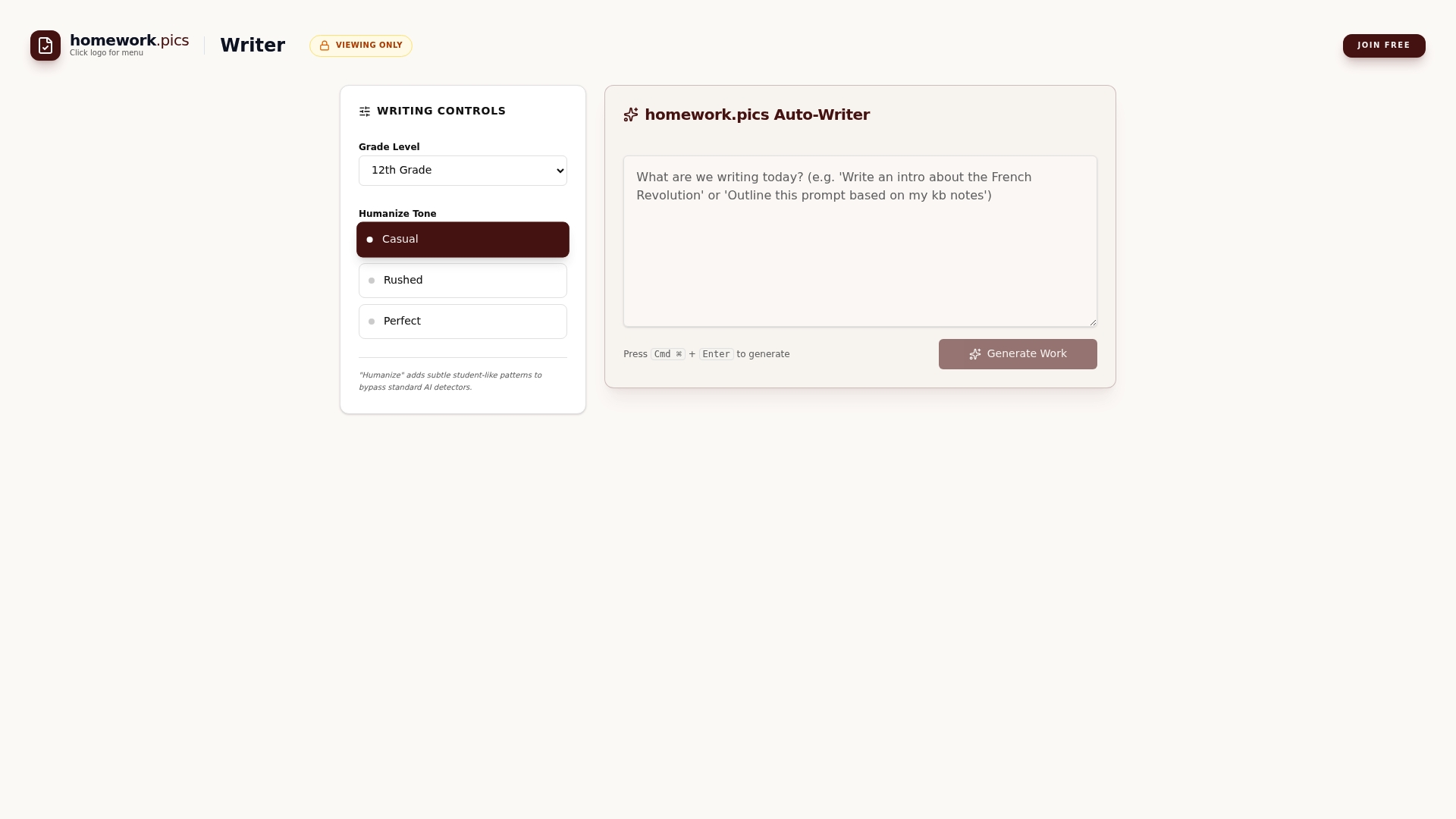
Homework AI tools at homework.pics are built specifically for students from middle school through college. You can generate drafts, adjust writing style, and match your grade level, all while saving and syncing your progress across devices. Whether you need a quick outline or a polished essay, homework.pics gives you a smart starting point so you spend less time staring at a blank page and more time actually learning.
Frequently asked questions
What is the main purpose of saving and syncing homework?
Saving and syncing ensures you never lose your progress and always have access to your latest work from any device, no matter where you are or what happened to your last device.
Which apps are best for syncing homework?
Popular choices include Google Drive, Microsoft OneDrive, and OneNote, all of which offer real-time access and automatic backups across devices with a single account.
How does syncing homework improve grades?
Research shows that e-homework improves assignment outcomes with a meaningful effect size across 26 studies, meaning students using digital synced systems consistently score better on assignments.
What should I do if syncing fails or files don't update?
Check that you're logged into the correct account on all devices, then manually trigger a sync or enable offline mode. Most sync issues stem from account mismatch or offline conflicts that are easy to fix once you know what to look for.
Does using digital sync tools increase distractions?
Academic-focused use boosts achievement, but entertainment use increases distraction and can hurt performance if device time isn't managed intentionally during study sessions.